SMS messaging program
Last updated: July 17, 2026
Program summary
Paymentron LLC (“Paymentron”) provides software that lets a business (“Merchant”) send transactional SMS reminders to that Merchant’s own customers about past-due invoices, including a secure link to pay. Paymentron is not a debt collection agency and does not buy or rent consumer phone lists.
How end users consent (message flow)
End users do not opt in on a Paymentron website form. Consent is collected by the Merchant from the end user (verbal and/or written), then the Merchant authorizes Paymentron to send.
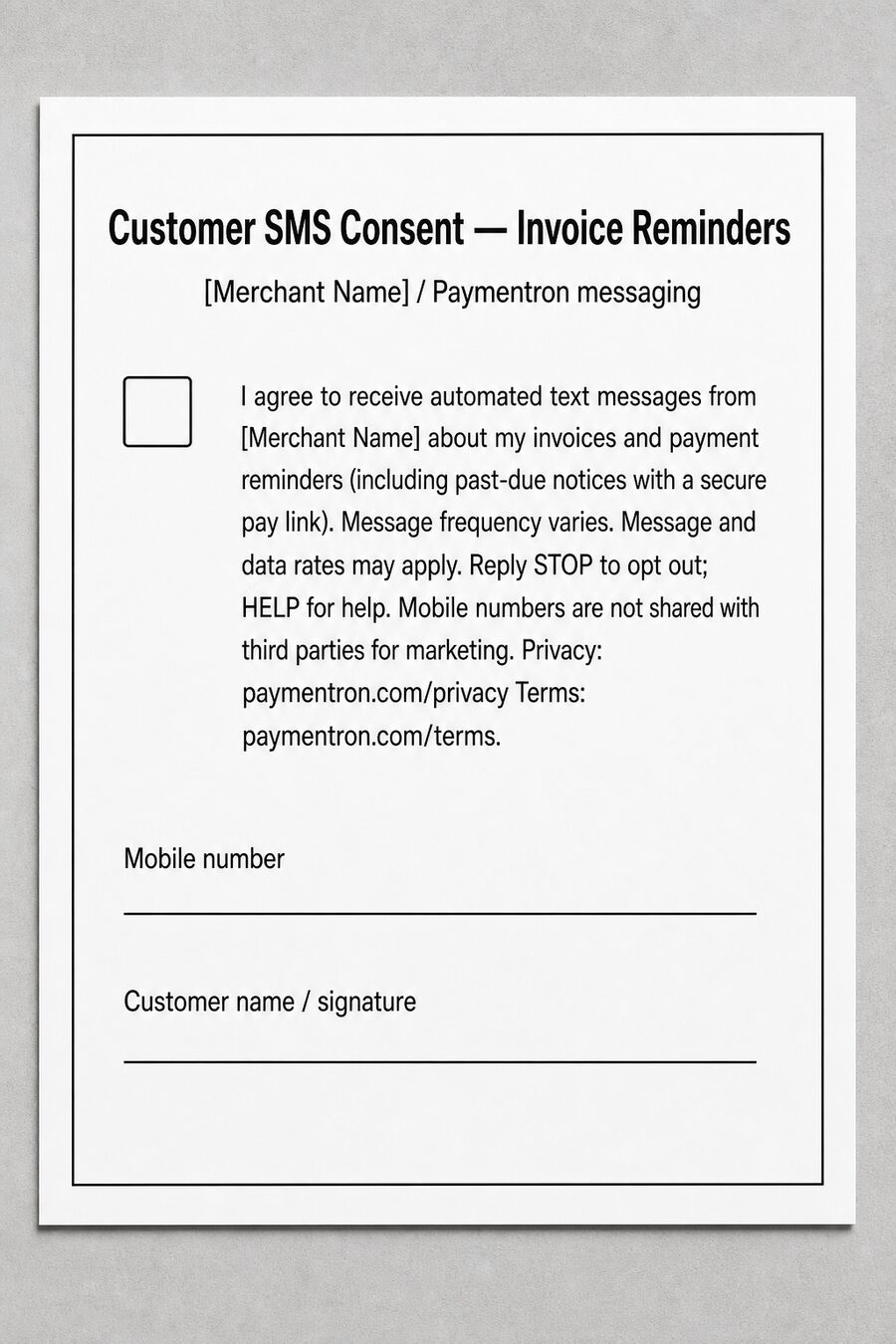
- End-user consent with the Merchant: When the customer provides a mobile number (by phone, in person, or on an intake/invoice form), the Merchant obtains consent using the exact verbal script and/or written checkbox language hosted at paymentron.com/sms/end-user-consent. That page includes message frequency, “message and data rates may apply,” STOP/HELP, privacy/terms links, and a non-sharing statement.
- The Merchant stores the number for billing/account contact (including QuickBooks or Xero) and connects books to Paymentron.
- The Merchant reviews follow-up message content in Paymentron before anything sends.
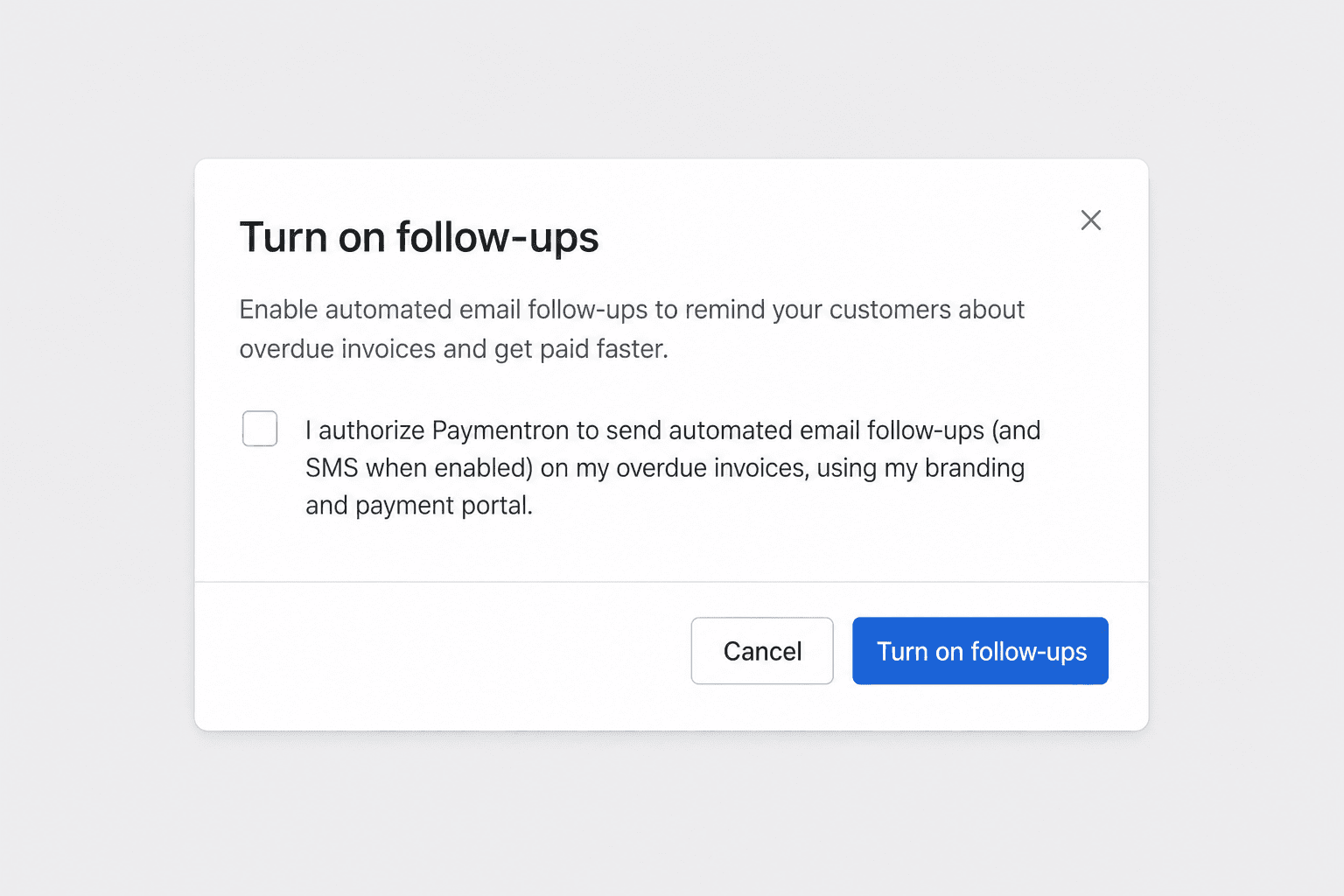
- Merchant authorization in Paymentron: The Merchant completes Stripe setup, enables follow-ups, and checks an unselected attestation that customers have consented and that Paymentron may send transactional SMS/email. Evidence: /sms/consent-evidence.
- Only then does Paymentron send spaced transactional SMS about that customer’s own past-due invoice, with a secure pay link.
- The end user may reply STOP to opt out, or HELP for help. The Merchant may pause follow-ups anytime.
Privacy: /privacy. Terms: /terms. Mobile numbers and SMS consent are not shared with third parties for marketing.
End-user consent script (hosted)
Full verbal script and written form template for reviewers: /sms/end-user-consent
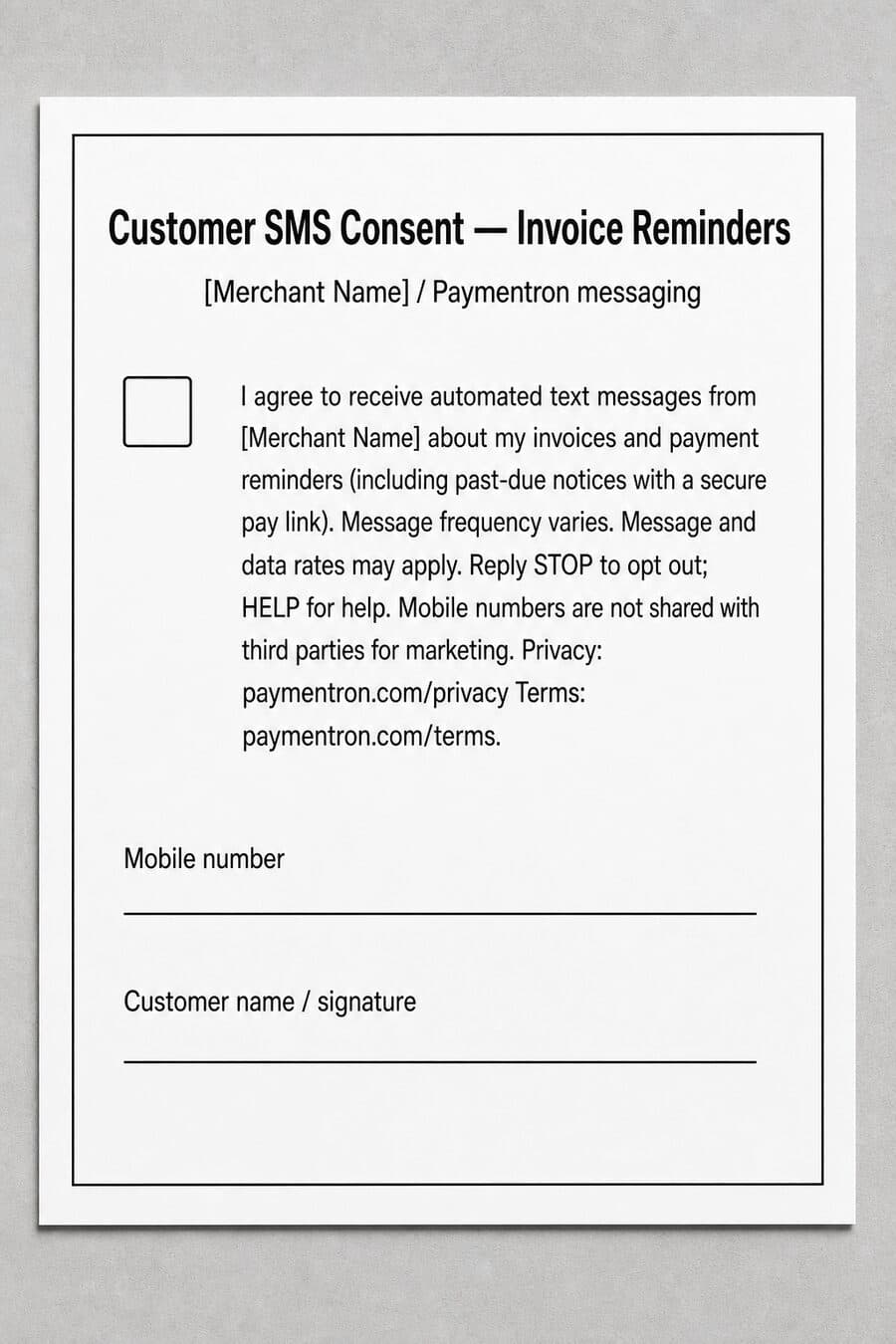
Direct image: /sms/end-user-consent-form.jpg
Merchant authorization (hosted)
After end-user consent, Merchants attest in-product before SMS can send. Checkbox is unchecked by default:

Types of messages
Transactional account / customer-care notifications only: reminders that an invoice is past due and a link to pay. Message frequency varies (spaced reminders while past due; not daily marketing). Message and data rates may apply.
Mobile opt-in is not shared with third parties. We do not share, sell, rent, or otherwise provide mobile phone numbers or SMS consent/opt-in data to third parties, affiliates, or lead generators for marketing or promotional purposes. Twilio is used only to deliver messages.
Sample messages
- “Paymentron (for Acme Pool Service): Hi Jordan, invoice 1042 for $1,840.00 is past due. Pay securely: https://www.paymentron.com/p/abc123 Reply STOP to opt out.”
- “Paymentron (for Acme Pool Service): Reminder — invoice 1042 is unpaid. Pay here: https://www.paymentron.com/p/abc123 Reply STOP to opt out. Msg & data rates may apply.”
Opt-out and help
- STOP (or STOPALL, UNSUBSCRIBE, CANCEL, END, QUIT): unsubscribed from further SMS.
- START, YES, or UNSTOP: re-opt in after opting out.
- HELP or INFO: help information.
Support: the Merchant that issued the invoice, or support@paymentron.com.